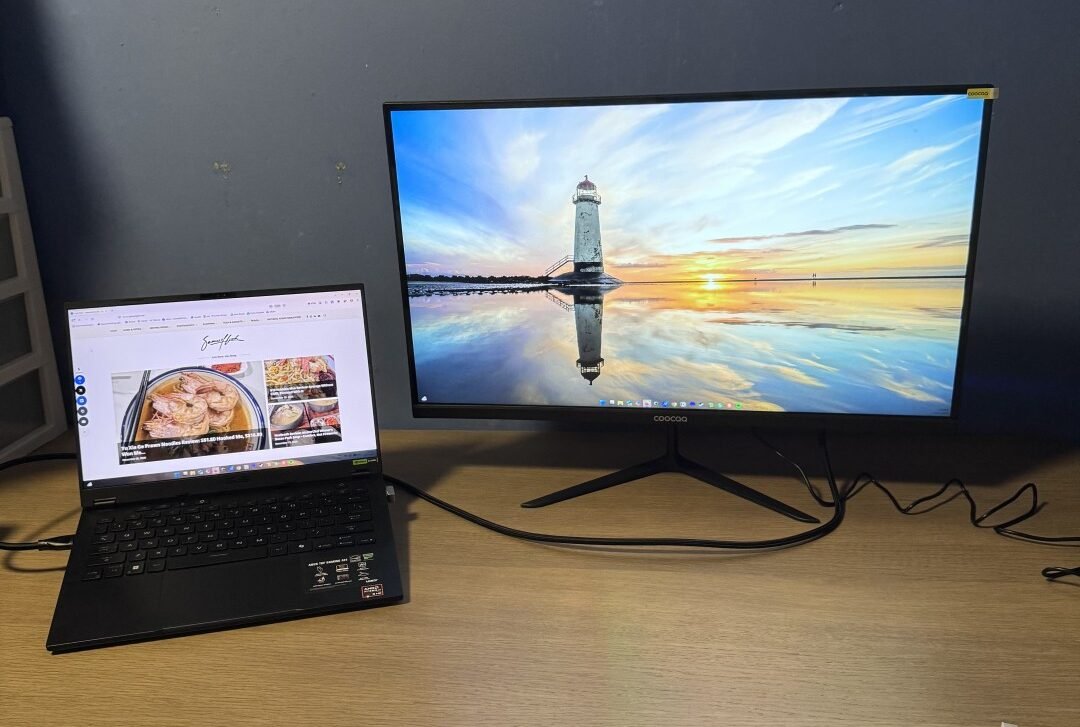
I’ve been slowly putting together a small workstation at my mum’s place. It’s not somewhere I work every day, so I wasn’t about to spend serious money on it.
The first piece was the table. I picked up a pre-owned IKEA Bekant for S$15, then spent more than three times that renting a car to move it. You can read about that adventure in my GetGo Honda Shuttle review.
Next up: a monitor. My wish list was short:
- At least 27 inches
- Higher than 1080p
- About S$100, tops
Anyone who has shopped for a budget 27 inch monitor in Singapore knows how short that list of options is. At S$100, I figured buying new was out of the question, so I only looked at pre-owned listings on Carousell.
What About Carousell?
Here’s what my shortlist looked like:
| Monitor | Resolution | Price | Notes |
|---|---|---|---|
| Dell S2721QS | 4K | S$198 | Sharpest of the lot, but double my budget |
| Acer ED271U | 1440p, 144Hz | S$99 | Right on budget |
I also looked at a brand-new Xiaomi A27i, which goes for about S$130 in Singapore with a 3-year warranty. But it’s 1080p, so it didn’t tick my resolution box.
The Acer was the one I was leaning towards. In the end, it sold before I could get it. But honestly, I was already in two minds, because I’d spotted something on PDD that, for about the same S$100, looked like terribly positive EV (expected value, for the non-gamblers): brand new instead of used, at a similar price.
Why I Even Looked at PDD
I was still really new to PDD at this point. I’d heard about the cheap stuff on there, but none of it was monitors, and I was skeptical. Not carrying much hope, I opened the app and started browsing anyway.
That’s when I came across the Coocaa 27K2, sold by Coocaa’s official flagship store on PDD. Coocaa is a brand under Skyworth (it says so right on the box), so at least it wasn’t a no-name panel.
Price: What This Budget 27 Inch Monitor Cost Me in Singapore
Here’s the breakdown from my order:
| Item | Amount |
|---|---|
| Listed price | ¥499 |
| Platform coupon | −¥5 |
| GST | ¥44.46 |
| Service fee | ¥16.15 |
| Total paid | ¥554.61 |
At the exchange rate on the day I ordered (about S$0.192 to ¥1), that works out to roughly S$107. That’s a touch over my S$100 budget, but close enough that I’m not complaining. Shipping to Singapore was free, and it was delivered right to the door.
Shipping a Fragile Monitor: My Biggest Worry
Shipping anything fragile is always a big, big, big worry for me. And a monitor? It’s basically a large sheet of glass.
I ordered on 28 October and received it on 19 November, so about three weeks. The box arrived in good condition, not beat up at all, and the monitor inside was in one great working piece. Phew!
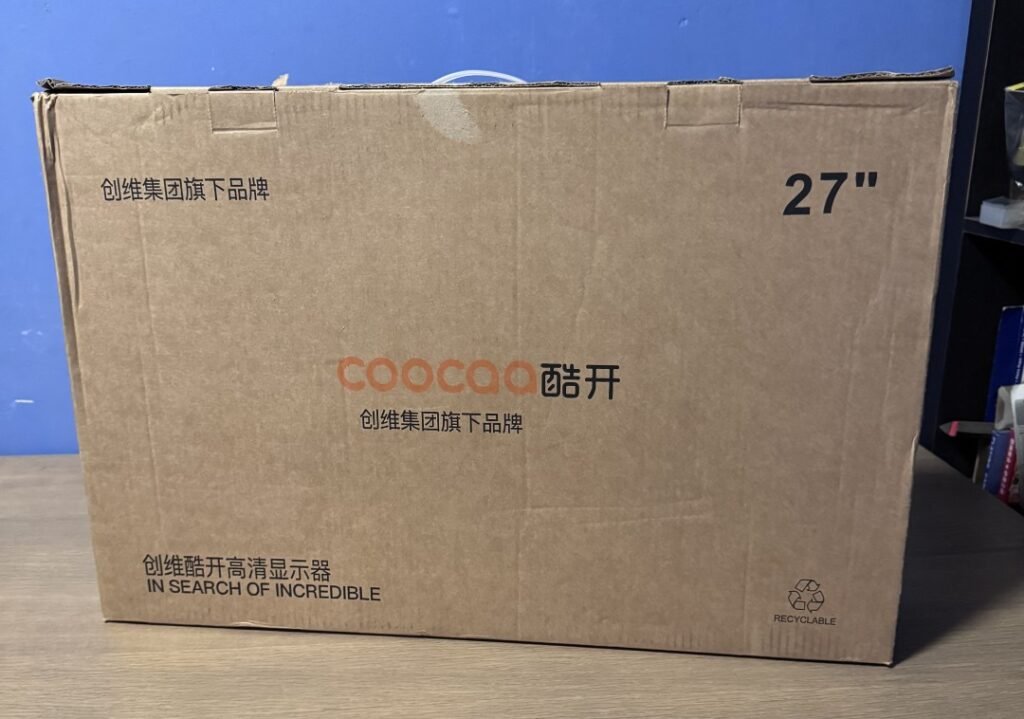
That said, your luck might vary when it comes to shipping these fragile babies. The way I manage my expectations: if it arrives broken, that’s normal. If it arrives in one working piece, it’s God’s blessing.
Luckily, my monitor came with free returns from Singapore. If you’re buying a monitor on PDD, make sure the listing you pick has free returns too. That way, a broken screen is an inconvenience, not money down the drain.
What’s in the Box
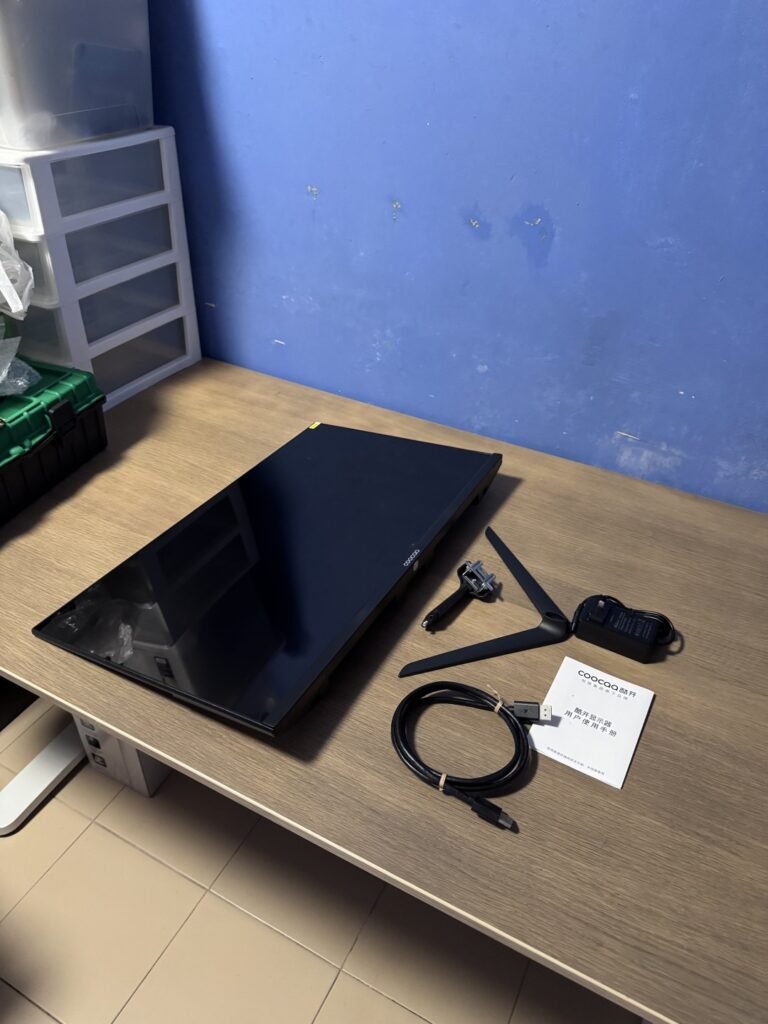
Inside, you get:
- The monitor
- The stand (a neck and a V-shaped base)
- A power adapter
- A DisplayPort cable
- A user manual (in Chinese)
Coocaa 27K2 Specs
According to the listing, the Coocaa 27K2 has:
- Screen: 27-inch IPS, 16:9
- Resolution: 2560 x 1440 (QHD)
- Refresh rate: 165Hz native, overclockable to 180Hz
- Response time: 1ms
- Colour: 103% sRGB, HDR10
- Other: FreeSync Premium, DC dimming and low blue light
- Weight: about 3.9 kg
Build and Ports
Ports
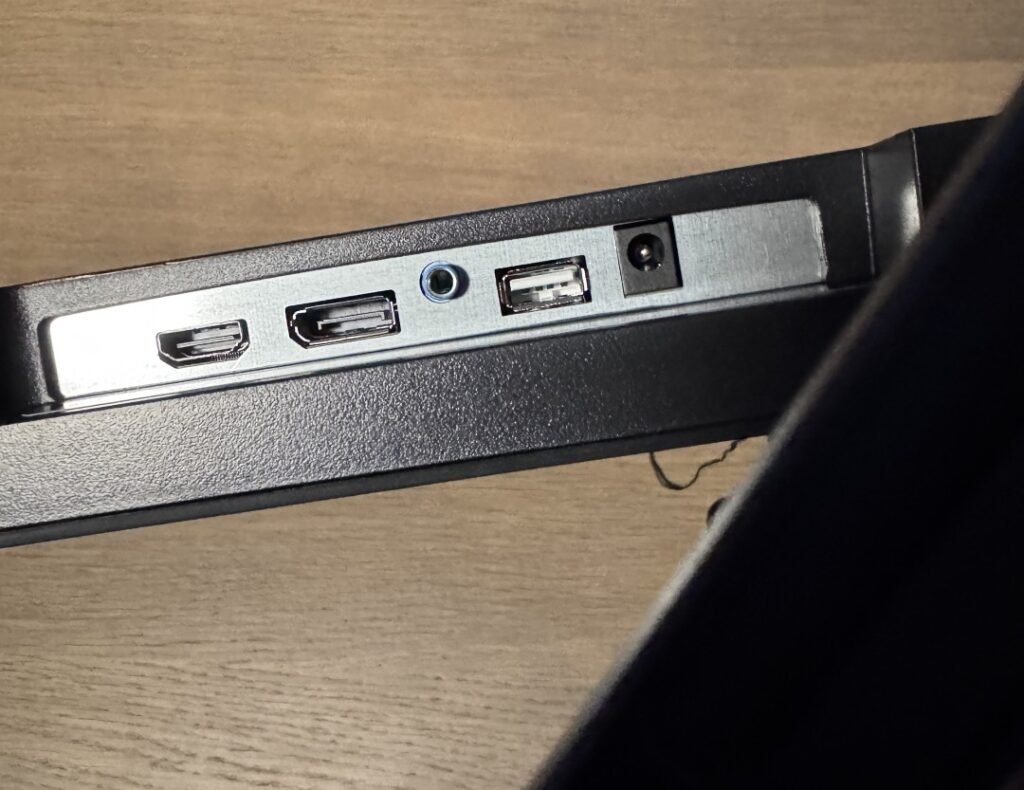
Around the back you’ll find an HDMI port, a DisplayPort, a 3.5 mm audio jack, a USB-A port and a DC power input. There’s no USB-C, so if your laptop only has USB-C, you’ll need a cable or adapter.
Buttons
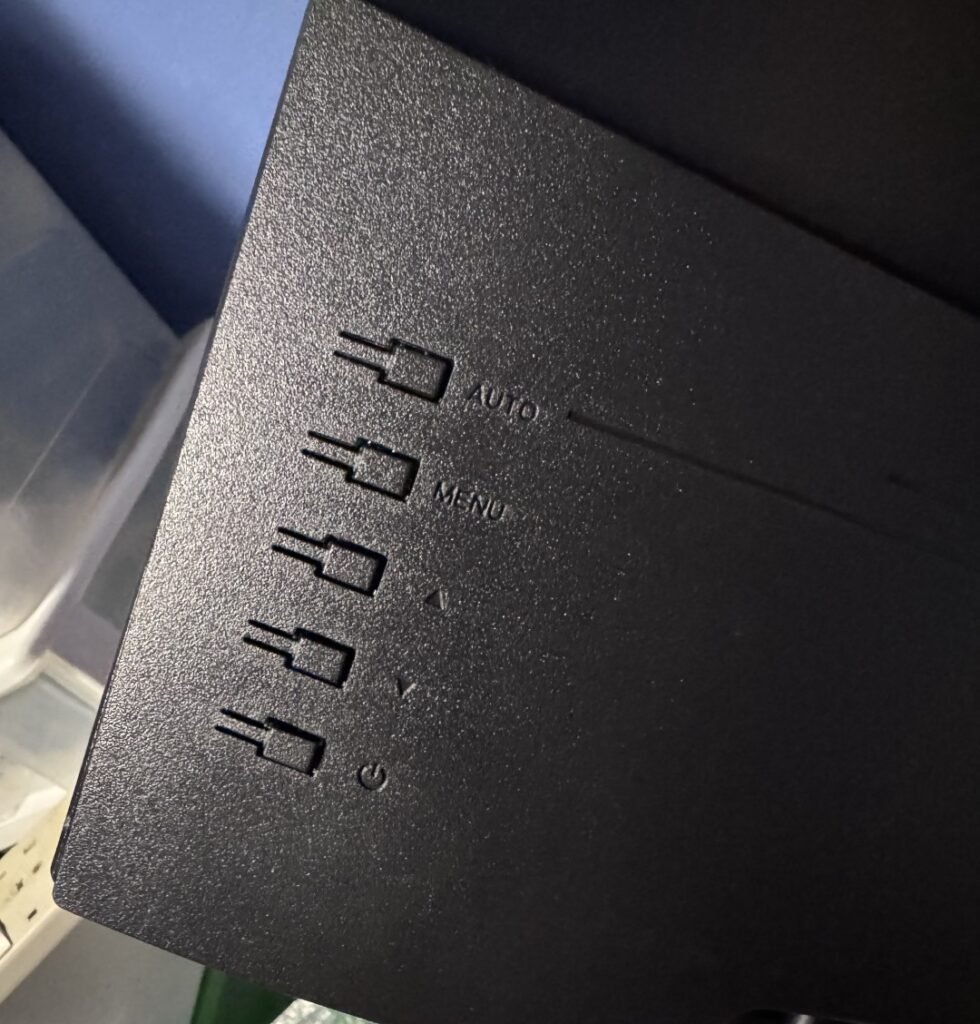
The controls are five physical buttons on the back, on the right: AUTO, MENU, up, down and power. It’s a little fiddly to reach behind the monitor, but it gets the job done.
The Stand
The stand isn’t solid, but it works. It only tilts up and down, so you don’t get height adjustment or swivel. For a setup I won’t use every day, I can live with that.
In time to come, the stand won’t matter anyway. I also bought a monitor arm on PDD for ¥55.47 (about S$11). Unfortunately, it didn’t come in the same shipment, so it’s still on its way.
How It Looks in Use
I hooked it up to my personal laptop, an ASUS TUF Gaming A14, and the picture is nice and sharp. 1440p on a 27-inch screen is a clear step up from 1080p, especially for text.
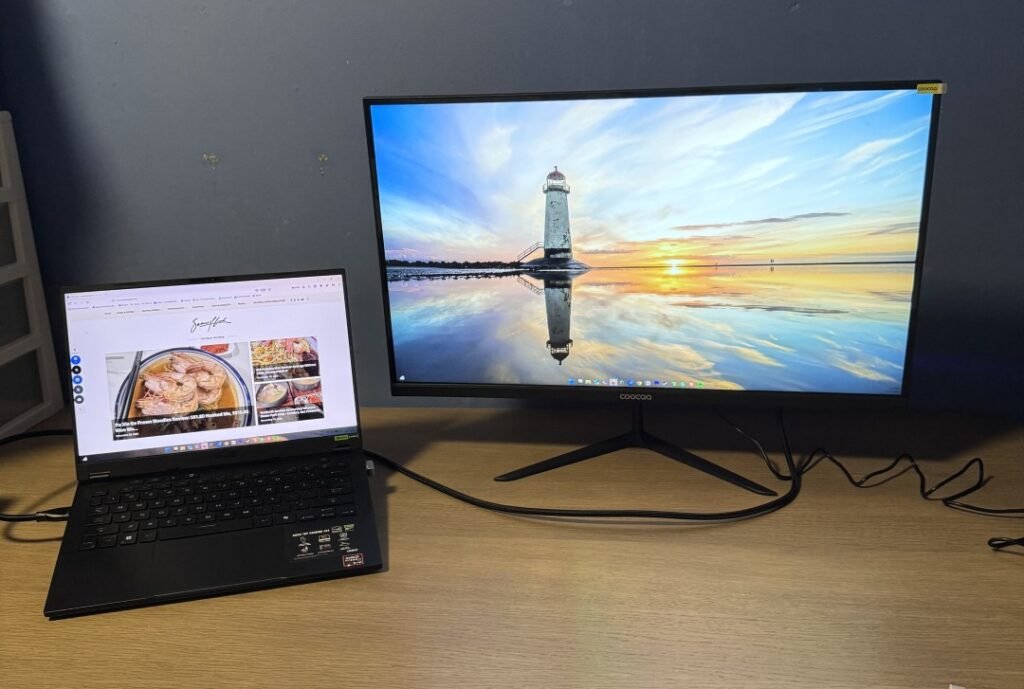
I also checked for dead pixels against a range of solid colour backgrounds and didn’t find any.
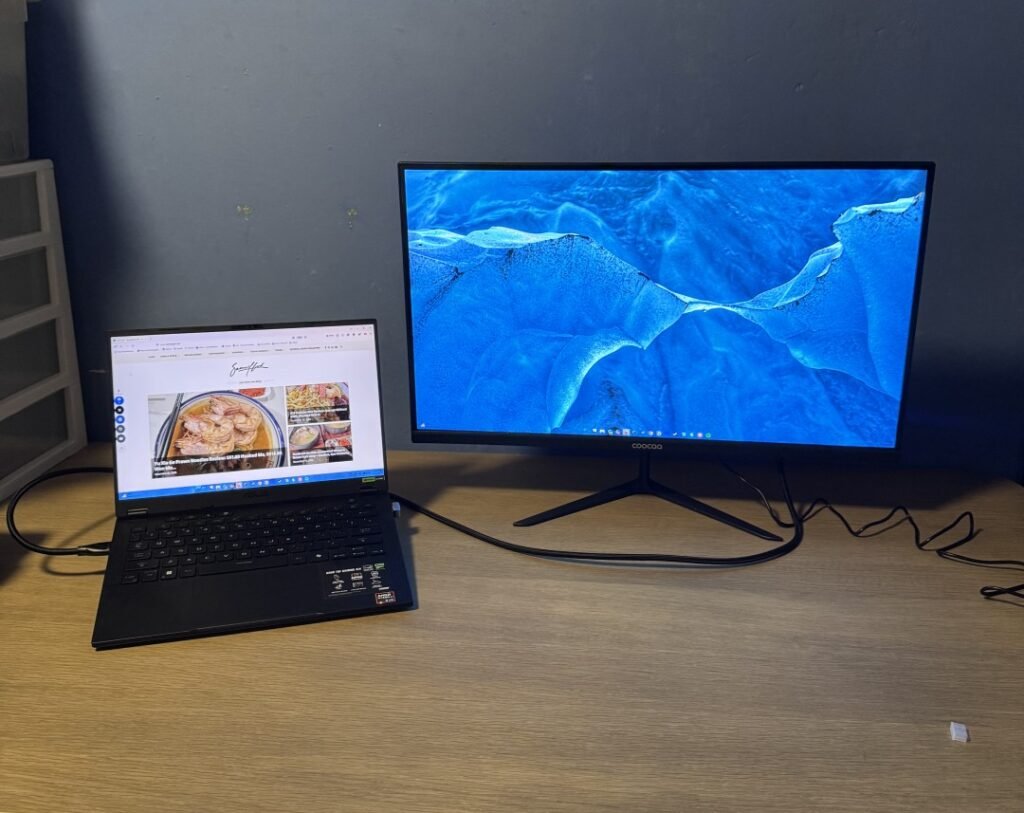
I’ll be honest: I haven’t tested the 180Hz. My use is mostly work and browsing, so I can’t tell you how it holds up for gaming.
What Would You Buy New for About S$100? I Asked Claude
Before I wrapped up this post, I got curious: what could you get new, from a local store, for around the same money? So I asked Claude, the AI assistant, to search for 27-inch, 1440p monitors sold in Singapore. Here’s what it came back with (prices as of 22 November 2026):
“There isn’t a new 27-inch 1440p monitor sold locally at S$100. The cheapest options I found start at about S$180, so the Coocaa cost roughly half of that. If you want local stock and a local warranty, these are the closest:
- AOpen 27SB2U G0, from S$179 (The Omni Desk): 1440p IPS at 120Hz, with two HDMI ports, a DisplayPort and VESA 100 mounting. It’s the cheapest new option I could find.
- Acer SA272U P1, S$199 (Acer Singapore store): 1440p IPS at 144Hz, with built-in speakers and a 3-year on-site local warranty. That warranty is worth paying a little more for.
- Xiaomi 2K Monitor A27Qi 2026, S$219 (Xiaomi’s LazMall store on Lazada): 1440p IPS at 120Hz, factory colour-calibrated, with DisplayPort, HDMI and VESA 75 mounting. It’s the pick if colour accuracy matters to you.
If S$100 is a hard limit, buying from China or buying secondhand is still the realistic way to get a 27-inch 1440p screen.”
Prices change often, especially around sales, so check before you buy.
The Verdict: Is the Coocaa 27K2 Worth It?
For about S$107, I got a 27-inch, 1440p monitor that arrived in perfect condition and has a sharp picture with no dead pixels. The stand is basic and the buttons are behind the screen, but for an occasional workstation, that’s a trade-off I’m happy to make.
Get it if:
- You want a budget 27 inch monitor in Singapore and are willing to wait about three weeks.
- You only need tilt adjustment, or you plan to mount it.
Skip it if:
- You need it this week.
- You want a local warranty and easy after-sales support. In that case, pay more for one of the local options above.
If it sounds like your kind of deal, here’s the Coocaa 27K2 listing on PDD. Check that it still shows free returns before you buy.
Love what I got for the price I paid. And this from someone who opened the app not carrying much hope.
So, over to you: what would be your go-to if you only had around S$100 to spare and wanted a 27-inch monitor sharper than 1080p? Let me know in the comments.